Runtime mod translation
Forge classes, events and registries are remapped as the game loads, so a Forge jar executes inside Fabric without the author touching a line of code.
Sinytra Connector is a free, open-source compatibility layer that loads Forge mods inside a Fabric installation and translates their API calls at runtime. Keep the Fabric performance stack you rely on, and finally add the Forge content mods that were never ported. No second loader, no dual-booting, no compromise.
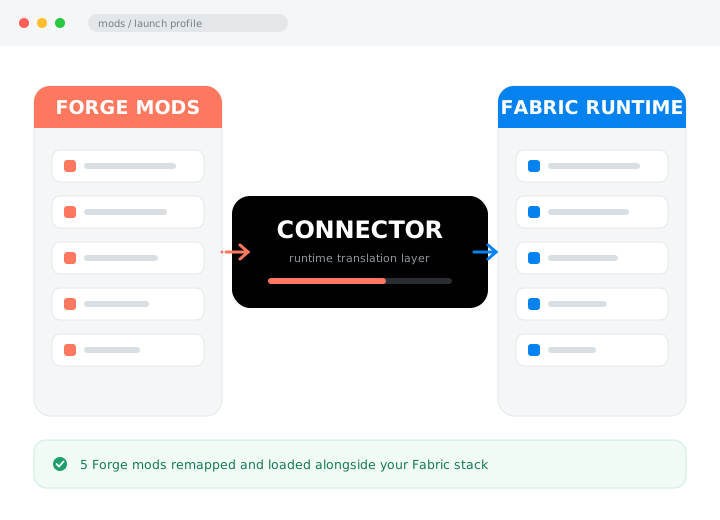
Minecraft's two major mod ecosystems speak different languages. Forge and Fabric expose different APIs, different event systems and different registries, so a mod written for one simply cannot be read by the other. Sinytra Connector sits inside a Fabric installation and translates Forge's vocabulary into Fabric's while the game is loading — remapping classes, rewiring events and rebinding registries so a Forge jar can execute in a runtime it was never compiled for.
Players who have built a fast, lean Fabric setup and refuse to abandon it for one Forge-only mod. Server admins running mixed communities. Pack authors reaching for content that was never ported and never will be. Educators and researchers who need a specific tool in a specific runtime. If your mod list genuinely spans both ecosystems, this is the tool that stops you choosing.
The split was never a technical necessity — it was an accident of history that left thousands of finished, excellent mods stranded on the wrong side of a wall. Sinytra's answer was to stop asking authors to port and start translating at runtime instead. It does not resolve the ecosystem split, but it makes the wall passable for the mods that matter most to you.
Nine capabilities that decide whether a mixed mod list loads cleanly or spends your evening in a crash log.
Forge classes, events and registries are remapped as the game loads, so a Forge jar executes inside Fabric without the author touching a line of code.
Fabric mods and bridged Forge mods coexist in a single mods folder, a single world and a single launch. No dual profiles, no switching.
Fabric's optimisation mods remain fully native. You gain Forge content without giving up the frame rate you installed Fabric for in the first place.
Forge libraries and shared dependencies are resolved through the same translation path, so a content mod's support jars come along with it.
The same bridge runs on a dedicated Fabric server, so mixed mod lists work in multiplayer as long as both sides carry the same content mods.
When a mod cannot be translated, the log names it and names the reason — a mixin target, a missing hook — instead of dying with a generic stack trace.
Two jars in the mods folder is the entire setup. There is no config file to author, no launch argument to add and no manifest to hand-edit.
The project tracks current Minecraft releases, so version support and translation coverage keep improving rather than freezing at the release you found it on.
Released under LGPL-3.0. Every line is public, which matters for a tool that loads arbitrary code into your game — and for anyone deploying it on a shared server.
Free, open source, and available through the official GitHub releases page. We never mirror or repackage the jar.
Sinytra Connector needs Forgified Fabric API next to it, and the standard Fabric API removed. Use the single official GitHub link below, then follow the installation steps.
Download from GitHubAnything that offers Sinytra Connector inside an .exe installer, behind a survey, or as a "premium" file is not the real thing. Read our download policy.
Follow these in order. Most failed installs skip step three or four, and every one of those failures looks like a mod bug when it is really a missing jar.
Modern Minecraft builds require Java 21. Check with java -version. A runtime reporting 17 or lower produces an unsupported class file version error on the first launch, which reads like a mod bug but is not one.
Run the Fabric installer for your Minecraft version, then start that profile and reach the main menu before touching the mods folder. This proves the base install works and creates the directories the next step needs.
Drop both jars into .minecraft/mods. The bridge alone will not load a single Forge mod — the Forgified API supplies the Forge-facing surface it translates against.
Forgified Fabric API replaces it rather than sitting beside it. Leaving both in place gives the loader two copies of the same classes, and it will refuse to start. Every Fabric mod you already run keeps working.
Start with a single, well-known content mod rather than a rendering overhaul. Reach the main menu, load a test world, and confirm the mod appears in the in-game mod list before adding anything else.
Add three or four mods at a time and launch between each batch. If something breaks you will know exactly what caused it, instead of facing one crash log with thirty suspects in it.
The single most common mistake: leaving the standard Fabric API in the mods folder next to Forgified Fabric API. It is a replacement, not an addition. Delete the old jar — nothing you already run will break.
Four stages, all of them during startup. Once the world loads, the translated mods behave like any other.
The bridge inspects every jar and separates the Forge mods from the Fabric ones by their metadata.
Forge class and method names are rewritten to their Fabric equivalents so the runtime can resolve them.
Forgified Fabric API supplies the Forge-facing hooks, and registries, events and networking are bound through it.
The translated mods enter Fabric's normal loading sequence and appear in the mod list like native ones.
Support is not uniform. Where a version sat in the release calendar decided how many mods were ever ported to it.
| Minecraft version | Bridge status | Forge catalogue | Recommendation |
|---|---|---|---|
| 1.21.1 | Supported | Healthy and growing | Best choice for a new pack |
| 1.20.1 | Supported | Deepest available | Best choice for maximum mod reach |
| 1.20.4 | Limited | Thin — most authors skipped it | Only if the version is fixed for you |
| 1.19.x and older | Not supported | Forge-native only | Run a Forge profile instead |
| 1.18.2 | Not supported | Forge-native only | Move up, or use native Forge |
| Mod type | Bridged result | Why |
|---|---|---|
| Content mods (blocks, items, entities, recipes) | Usually works | Uses standard registries the bridge maps directly. |
| Tech & magic mods with large registries | Usually works | Registration and networking follow conventional paths. |
| Worldgen, biome and structure mods | Usually works | Data-driven generation translates cleanly in most cases. |
| Recipe viewers and inventory utilities | Often works | Depends on how deeply the GUI layer is patched. |
| Rendering and shader overhauls | Rarely works | Patches render internals the bridge does not reproduce. |
| Coremods and loader-level patches | Does not work | Expects to control the loading process the bridge already owns. |
A bridge is a trade. Knowing what you are trading is the difference between a good evening and a bad one.
Keep the Fabric optimisation mods that make the game playable on a modest machine, then add the one Forge tech mod your world is built around.
Run a mixed community pack on a single Fabric server rather than maintaining two, and keep the client mod list short enough that players actually install it correctly.
Reach content mods that stopped updating years ago and were never rebuilt for Fabric — the back-catalogue is the whole reason the bridge exists.
Assemble a classroom pack from whichever ecosystem has the right teaching tool, instead of letting the loader decide your curriculum for you.
Test how a mod behaves alongside the other ecosystem's libraries without maintaining two separate development environments and two build pipelines.
Run a specific Forge-only instrumentation or logging mod inside a Fabric environment chosen for its performance characteristics and reproducibility.
Open logs/latest.log and find the last "Caused by" line. That is the real error; everything above it is a wrapper.
The loader found two copies of the same classes and refused to continue.
Fix: remove the standard Fabric API jar. Forgified Fabric API replaces it.A mod is patching a method that does not exist in the shape it expects — the classic signature of a mod that cannot be bridged.
Fix: remove the named mod and look for a Fabric-native equivalent.Your Java runtime is older than the jars require. The number in the error is a Java version, not a mod version.
Fix: install Java 21 and point the launcher profile at it explicitly.Nothing crashed because nothing loaded. The bridge never saw the jars.
Fix: confirm both required jars are present and target your exact Minecraft version.A Forge content mod needs a shared library jar that is not bundled inside it.
Fix: read the mod's dependency list and add the Forge library for the same Minecraft version.A runtime translation gap — usually worldgen, rendering, or a registry that resolved differently than the mod expected.
Fix: bisect your Forge mods by halves until one launch isolates the culprit.Feedback gathered from community threads and issue reports. Ratings reflect real, mixed experiences — not every one of them is glowing.
We had two servers for two years because half the community wanted Forge content and half wanted Fabric performance. Now we run one. The parity rule caught us out on day one — a client-only mod on the server bricked the boot — but once we pinned the mod list it has been stable for months.
Roughly eight of ten Forge content mods I tried came across without complaint. The two that failed were both rendering mods, which the documentation had already warned me about. My only real gripe is the startup time on a large pack — it is genuinely slow the first time.
I installed it for exactly one mod and it worked on the first launch. Deleting the normal Fabric API felt wrong and I nearly did not do it, which would have cost me an evening. Read step four.
Being able to pick a teaching mod on merit rather than on which loader it happens to target is the whole value here. Students do trip over the Java version, so I now hand out a pre-configured profile rather than instructions.
Useful for checking how my Fabric library behaves next to Forge code without maintaining a second dev environment. The remapping is more robust than I expected. It is not a substitute for a real port, and it does not pretend to be.
Honest three stars. When it works it is brilliant. But I spent a weekend bisecting a pack before discovering the mod I actually cared about uses a coremod and was never going to load. I wish I had read the compatibility table first.
Split into the two things that go wrong: getting it installed, and getting it to stay running.
Yes. It is free and open source under the LGPL-3.0 licence. Anyone charging you for it, or bundling it inside an installer, is not the developer — always take the jar from the project's own release channels.
No. You install Fabric only. Sinytra Connector translates Forge mods into something the Fabric runtime can execute; it does not run a second loader alongside the first.
Java 21 for current Minecraft versions. Older runtimes fail immediately with an unsupported class file version error, which is one of the most frequently misdiagnosed startup crashes.
It is a rebuilt Fabric API that additionally exposes the Forge-facing hooks the bridge maps against. Without it, Forge mods look for classes that do not exist and the bridge has nothing to bind them to.
No. Forgified Fabric API is a replacement, not an addition. Running both means duplicate classes and a refused startup. Delete the standard jar; your existing Fabric mods will still work.
Both go into the ordinary mods folder alongside everything else. There is no separate directory and no configuration file to edit before the first launch.
Yes. Install it on the server exactly as you would on a client. The one hard rule is parity — any mod that registers content must be present on both the server and every connecting client.
Adding the bridge to a large, established pack is the least reliable way to start. Build a fresh profile, get a minimal setup loading, then port your mod list across in small groups.
The project is open source and its code is publicly auditable. The real risk is not the mod — it is downloading it from a repackaged mirror. Use the official Modrinth, CurseForge or GitHub releases.
Longer than you expect. The bridge remaps every Forge jar at startup, so a large pack can take several minutes on its first boot. That is normal behaviour, not a hang.
The 1.20.1 and 1.21.1 lines get the most attention and are the safest targets. 1.20.4 works but has a thin mod catalogue on both sides, because most authors skipped that short-lived release.
No, and it is unlikely to. The project targets modern Minecraft and modern loader architecture. If you are on 1.18.2, either move the pack forward to 1.20.1 or run a native Forge profile instead.
No, and no bridge could promise that. Ordinary content mods — blocks, items, entities, recipes, worldgen — usually translate cleanly. Rendering overhauls, coremods and anything that patches the mod-loading process are the common failures.
That is the entire point of it. A correctly configured profile loads both sets side by side, which is what makes a Fabric performance stack plus a Forge content mod possible in one game.
That is the signature of a mod the bridge cannot translate. It is patching a method that does not exist in the shape it expects. Remove the named mod; if the game then starts, you have found an incompatibility rather than a broken install.
Nothing crashed because nothing loaded. One of the two required jars is absent or targets a different Minecraft version. Check the mods folder and check that the versions line up.
There is a real startup cost while jars are remapped, and a modest runtime overhead. In practice, the frame-rate impact is usually smaller than the gain from running Fabric's optimisation mods in the first place.
Fabric-native shader mods generally behave. Forge shader and rendering mods are the hardest category to bridge and frequently do not work, because they patch internals that the translation layer does not reproduce.
Bisect. Move half your Forge mods out of the folder and launch. Whichever half still crashes contains the culprit. Repeat. Twenty mods reduce to one suspect in roughly five launches.
Reproduce it on a minimal profile — the bridge, the Forgified API and the single offending mod. A maintainer cannot act on a report that includes sixty mods, and half of those reports turn out to be a conflict between two of them.
Version-specific setups, crash diagnosis and the alternatives worth considering before you install anything.
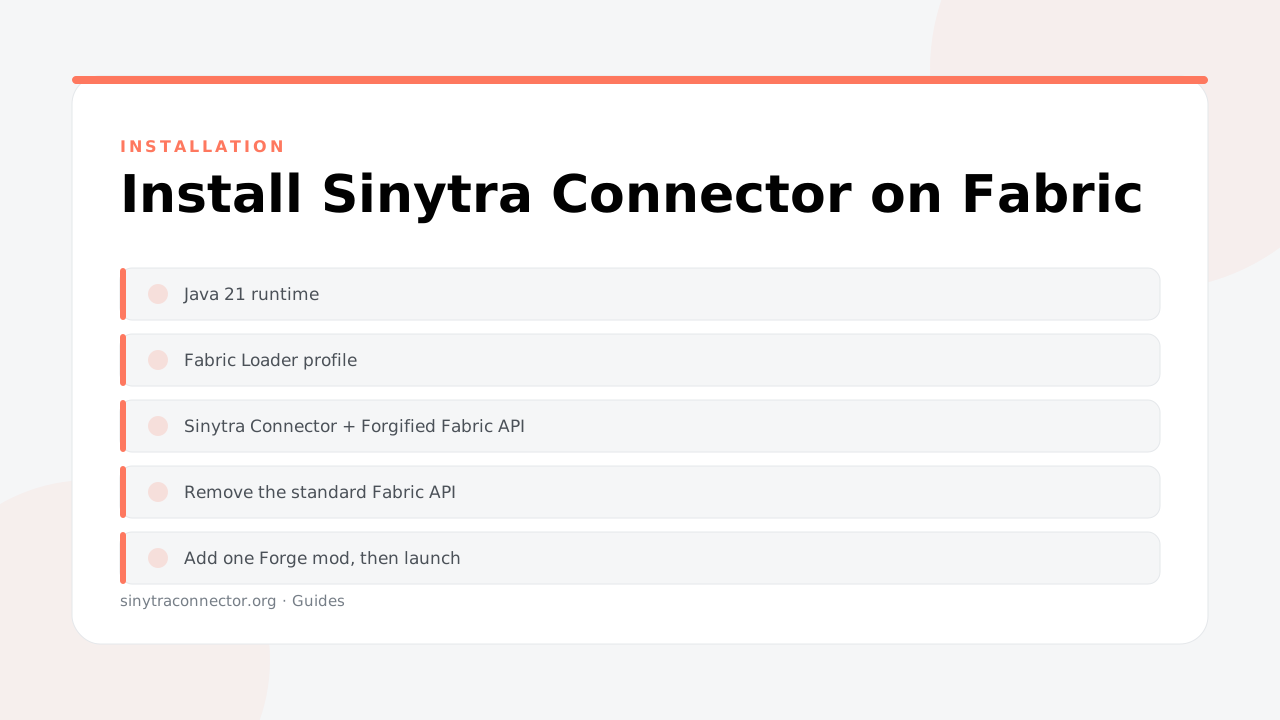
Java version, loader setup, the two files you must never forget, and how to confirm the bridge is actually loading before you add mods.
Read the guide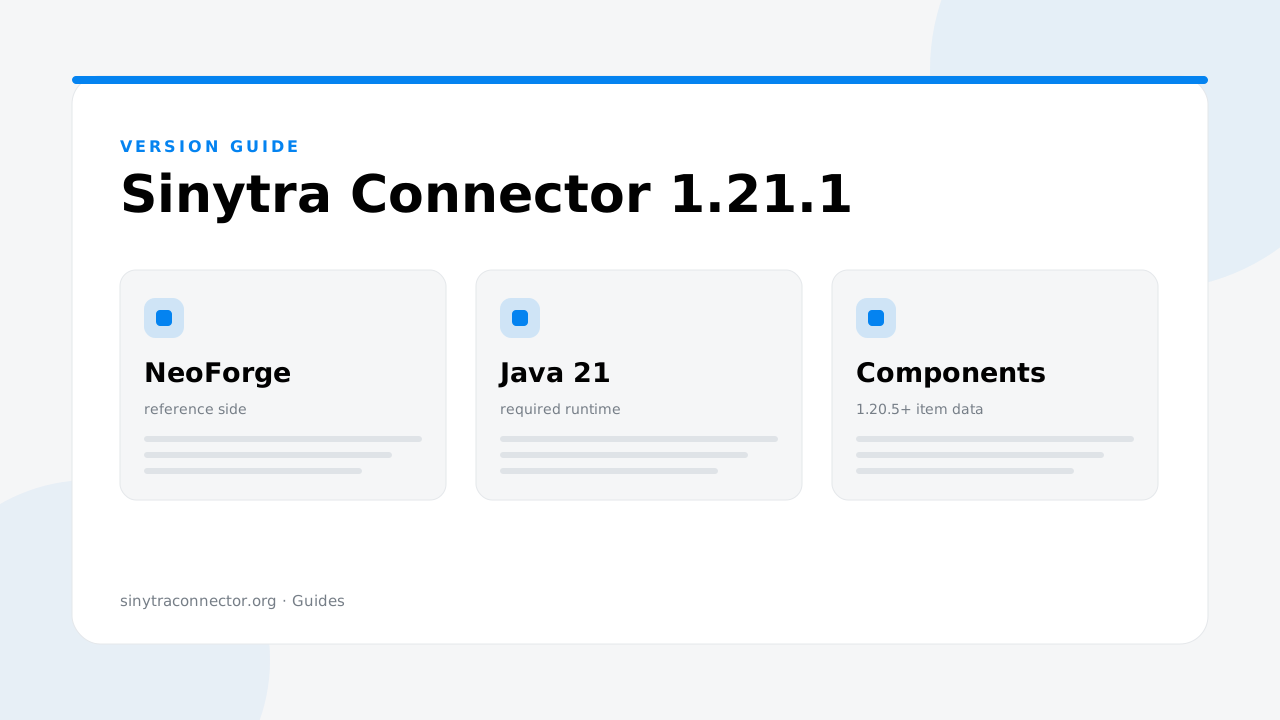
The 1.21 line moved to NeoForge naming and shifted several internals. Here is what that changes for your mod list — and what to check before upgrading.
Read the guide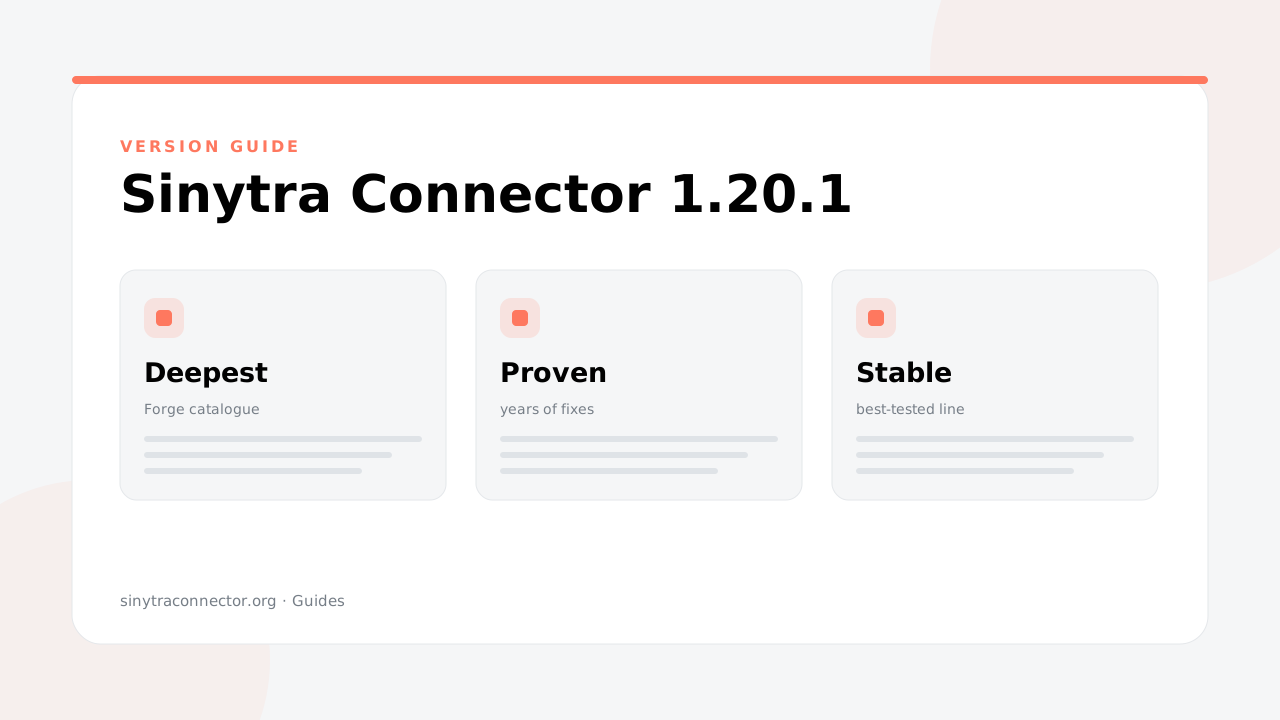
1.20.1 has the deepest mod catalogue and the most community mileage. If stability matters more than being current, this is where to build.
Read the guideTwo jars, ten minutes, and the mods you gave up on. Take the file from the official GitHub releases page — never from a mirror.
Download Sinytra Connector